No. If your tool has a direct ReviewWheel connection, like Jobber or Housecall Pro, connect it in the app instead.

Connect the tool you already run to ReviewWheel.
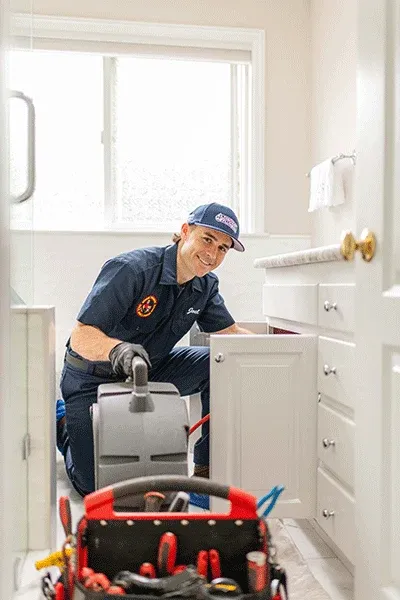
If your tool works with Zapier, a finished job, an ended appointment or a payment can send your customer a personalized image with their name on it. That image pulls 3-5x more reviews.
Build your Zap in three steps
Find ReviewWheel on Zapier
Sign in to Zapier and open ReviewWheel on Zapier, or search for ReviewWheel when you build a Zap.
Pick your trigger and our action
Start with your tool’s trigger for a finished job, an ended appointment or a payment. Add ReviewWheel’s Send Review Request action, sign in with your ReviewWheel login and pick your location. Map the customer’s first name and their phone number, email or both.
Turn it on
From then on, ReviewWheel asks each customer for a review between 8am and 8pm your local time.
Hi Jessica! It's Steve with Summit Plumbing. Mind leaving a
quick review?
g.page/summit-review
Sure! You guys were great. Just left one 🙃
Delivered
Start from a template
Or start from a ready-made template for one of the tools below.
How Appliance EMT grew to 14 locations
Every finished job sends its own review request through ReviewWheel. They went from 5 locations to 14 with the same office staff, and their 8,600+ Google reviews help them win each new market they open.
Read their storyQuestions
The account owner or an admin. You sign in to Zapier with your ReviewWheel login.
Zapier sets its own plans and prices. The Zap runs in your Zapier account. ReviewWheel doesn't charge extra for it.
Email [email protected] with the tool you run. You can also import your customers from a CSV file in the app.
Book more jobs from Google.
Start free and connect Zapier today.
Book more jobs →10 DAYS FREE · 30-DAY MONEY-BACK · NO CONTRACTS · CANCEL ANYTIME