Publishing a report in Spectora. Use Publish, not Quick Publish. Quick Publish doesn't tell ReviewWheel the report is out.

Automate reviews in Spectora
Every report you publish in Spectora sends your client a personalized image with their name on it. That image pulls 3-5x more reviews.
What happens after the inspection
You publish the report in Spectora
Your team publishes the report the same way they do today. That is the only step on your side.
They get a text from you
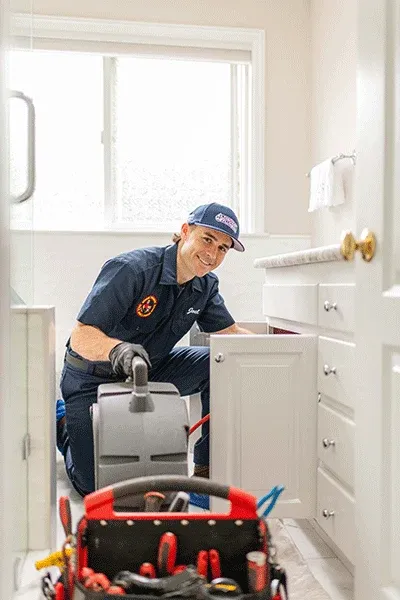
It’s a photo of your team with their name across it, a short note from you, and one tap to your Google review page. If they don’t get to it, up to two follow-ups go out, and then it stops.
The review lands on Google
Each new review helps you show up when the next buyer nearby searches for a home inspector, and it helps them pick you.
Hi Jessica! It's Steve with Summit Plumbing. Mind leaving a
quick review?
g.page/summit-review
Sure! You guys were great. Just left one 🙃
Delivered
Connect Spectora once
After you sign up, the app walks you through it. Paste a Spectora API key, add your ReviewWheel address in Spectora, and publish one report to test it. Want a hand? A setup call with our team comes with every plan.
What ReviewWheel pulls from Spectora
- Client name
- Phone number
- Email address
- Report publish date
Your Spectora account stays the source of truth. ReviewWheel reads but doesn't write back to your job records.
How Appliance EMT grew to 14 locations
Every finished job sends its own review request through ReviewWheel. They went from 5 locations to 14 with the same office staff, and their 8,600+ Google reviews help them win each new market they open.
Read their storyQuestions
Only the main client on the inspection. Real estate agents never get one.
Admin access, so you can make an API key, and a Spectora plan with API access.
No. Setup asks you to turn them off, so no client gets asked twice.
Only inspections after you turn on review requests start one. To ask past clients, upload them as a CSV and press Launch Reactivation.
Book more jobs from Google.
Start free and connect Spectora today.
Book more jobs →10 DAYS FREE · 30-DAY MONEY-BACK · NO CONTRACTS · CANCEL ANYTIME